September 1, 2026
What Happens After My Website Launches?
By Theresa Kluk
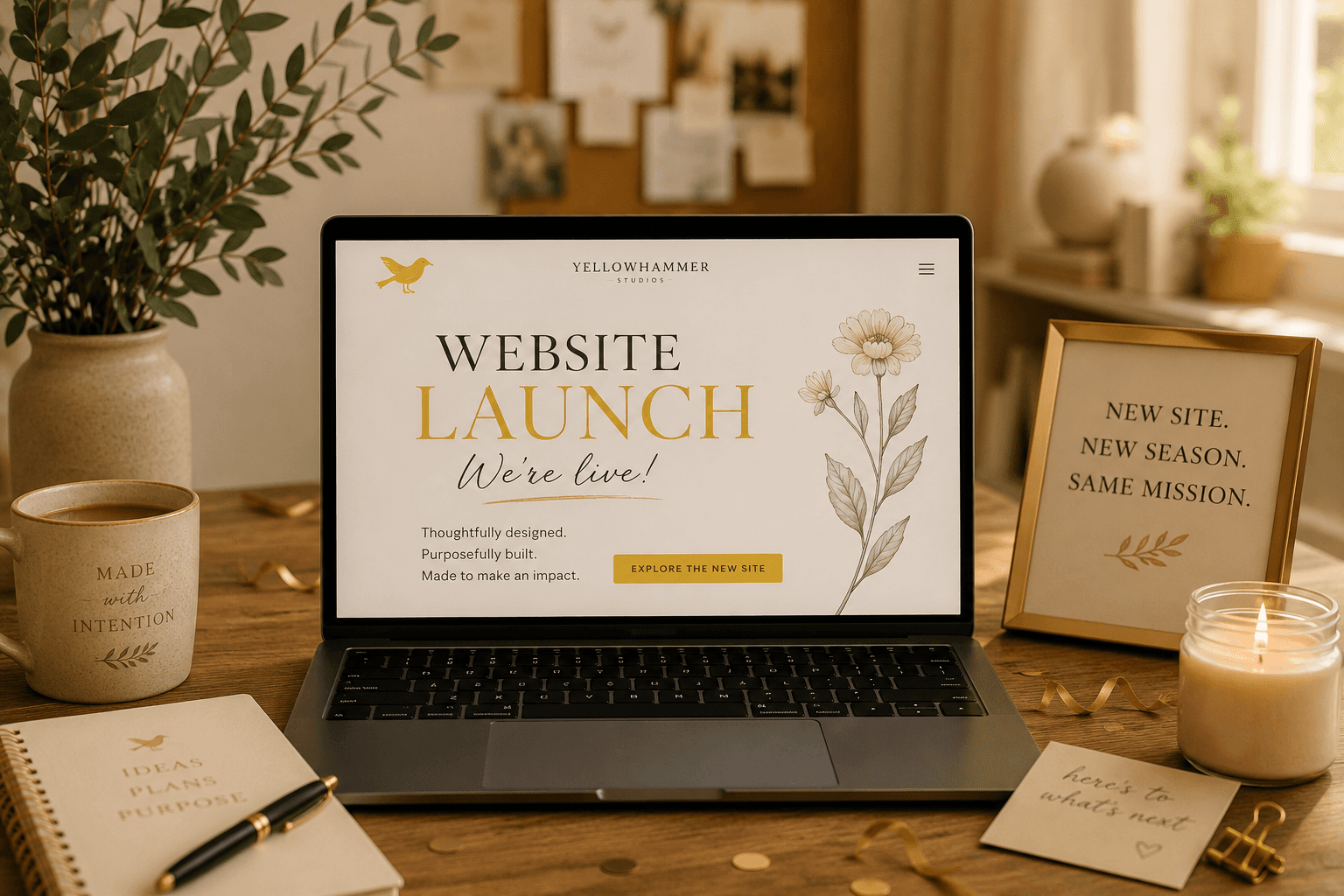
Launch day is wonderful. There's a real thrill in typing your own address into a browser and seeing it come to life — the colors you chose, the words you agonized over, the photo of your team that took three tries to get right.
And then, if you're like most business owners we work with, a quiet question shows up a few weeks later:
Now what?
It's a fair question, and honestly, most of the industry does a poor job of answering it. So here's our honest answer: launch day isn't the finish line. It's the housewarming.
A website is a living thing
We think people picture a website like a printed brochure — you design it, you print it, it's done. But a website is much more like a house. It's built on a foundation of software that other people maintain, connected to the outside world, and quietly weathering things all day long whether or not anyone's watching.
Houses need upkeep. So do websites. Skip it long enough and you don't get a slightly dusty house — you get a leak in the roof you didn't know about until the ceiling came down.
That's not a scare tactic. It's just how the technology works, and the numbers back it up.
The security piece (the part nobody expects)

Here's the statistic that surprises most small business owners: the overwhelming majority of website security problems don't come from the core software. They come from plugins — those little add-ons that handle your contact form, your photo gallery, your booking calendar.
Security researchers at Patchstack found that in their most recent report, roughly 91% of newly discovered WordPress vulnerabilities were in plugins, with another 9% in themes. Almost none in WordPress itself. And the total number of vulnerabilities discovered each year has been climbing steeply — from a few thousand a year to well over ten thousand.
The second thing that surprises people: being small doesn't protect you. Attacks on small business sites are almost never personal. They're automated. Software crawls the internet looking for known weaknesses, finds them, and moves in — often within hours of a vulnerability becoming public. Nobody chose you. A script did.
And the gap that causes the actual damage isn't between "vulnerable" and "patched." It's between patch available and patch applied. Fixes usually exist. They just sit there while thousands of site owners don't know they need them.
That gap is what maintenance closes.
What else quietly drifts
Security is the dramatic part, but it's not the whole story. Over a year or two, without anyone doing anything wrong:
- Links break. A vendor changes their URL, a partner redirects their site, and now you've got a dead link on your services page.
- Plugins pile up. That gallery tool you used once in 2023 is still installed, still loading, still a door standing open.
- Speed creeps down. More images, more scripts, more everything. Slow sites lose visitors and lose ground in search.
- Content goes stale. Old hours, an old phone number, a staff photo of someone who left, a service you don't offer anymore.
- Search rankings slip. Search engines favor sites that are actively maintained. Neglect is a signal, and not a good one.
None of these is a crisis on its own. Together, over time, they're the difference between a site that's still working for you in year three and one you have to rebuild.
So what does maintenance actually involve?
Fair question, because "maintenance plan" can mean almost anything. Here's what should be in one:
Updates, tested. WordPress core, themes, and plugins updated regularly — but checked afterward, because an update that breaks your contact form is worse than no update at all.
Backups you can actually restore. Daily, stored somewhere separate from your site, and — this is the part people skip — verified. A backup nobody has ever tested is a hope, not a plan.
Security monitoring. Malware scanning, uptime monitoring, and someone watching the vulnerability databases so you don't have to.
Plugin housekeeping. Removing what you no longer use. Every plugin you keep is a door; fewer doors is genuinely safer.
Performance checks. Load speed, image sizes, anything dragging.
A real person to call. Honestly, this is the one clients tell us matters most. When something looks wrong at 8am on a Tuesday, you want to text someone who knows your site — not open a ticket.
Can I just do this myself?
Yes, actually. Plenty of business owners do, and we'll never pretend otherwise.
If you're comfortable logging in monthly, reading update notes, running a backup, and clicking around afterward to make sure nothing broke, you can absolutely handle basic upkeep. The honest catch is consistency. It's not hard work — it's remembering work, in a month when three other things are on fire. That's usually where it falls apart, and that's the actual value of paying someone: not expertise you couldn't learn, but attention you don't have to give.
If you'd rather handle it yourself, ask us. We'll show you what to check and how often, no strings attached. We'd genuinely rather you have a healthy website than an unnecessary invoice.
Faithfulness in the upkeep
There's a parable Jesus tells about two builders — one who dug down and laid a foundation on rock, one who built on sand. When the storm came, the difference showed.
We've always been struck by the fact that the difference wasn't visible on a sunny day. Both houses looked fine. The foundation only mattered later, when it was tested.
That's most of what maintenance is. It's the unglamorous, invisible work that nobody notices when it's being done well — and everybody notices the moment it stops. It's the same principle as changing the oil, showing up to the same church every Sunday, keeping your word on the small things. Faithfulness lives in the upkeep, not the launch.
A website is a real investment for a small business. Tending it isn't an upsell. It's stewardship of something you already paid for.
Where we come in
Website maintenance is one of our core services at Yellowhammer, and it's the part of our work we're quietest about — which is probably backwards, since it's the part that protects everything else.
If your site launched a while back and you're not sure who's been watching it (or whether anyone has), we'd be glad to take a look. We'll tell you honestly what we find: whether it's in good shape, whether it needs a little attention, or whether you could handle it yourself with a checklist we're happy to hand you.
No pressure. Just an honest look at the house.
Yellowhammer Studios is a mother-daughter creative studio in Huntsville, AL, specializing in website design, branding, social media, and website maintenance — made with craft and intention. Always.